# How to Insert Clip Art?
- Place the cursor where you want to insert clip art.
- Click on clip art.
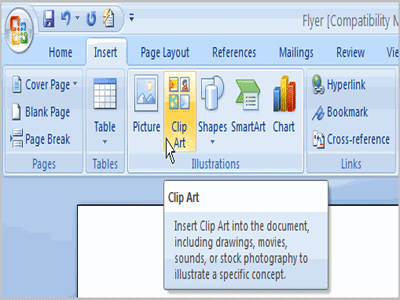 |
| Clip Art |
- Type required name . Eg. Occupation.
- Click on go.
- Select required the clip art.
# How to insert shapes?
- click on insert menu.
- Click on shapes and choose required one.
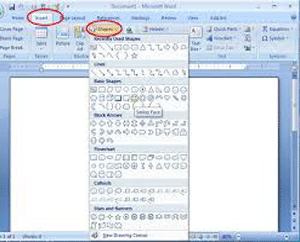 |
| Shapes |
- Click on left mouse button on required location and drag mouse pointer.
# How to insert Smart Art?
- Click on inset menu.
- Click on smart art and choose required diagram type.
- Click on OK.
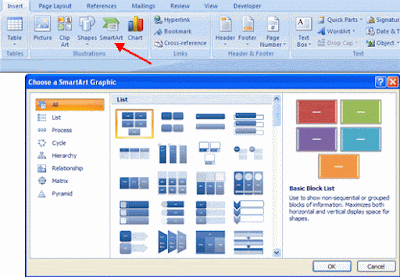 |
| Smart Art |
- Then type the required text.


